How to convert PDF to EPUB online for free (reflowable text for e-readers)
Quick summary
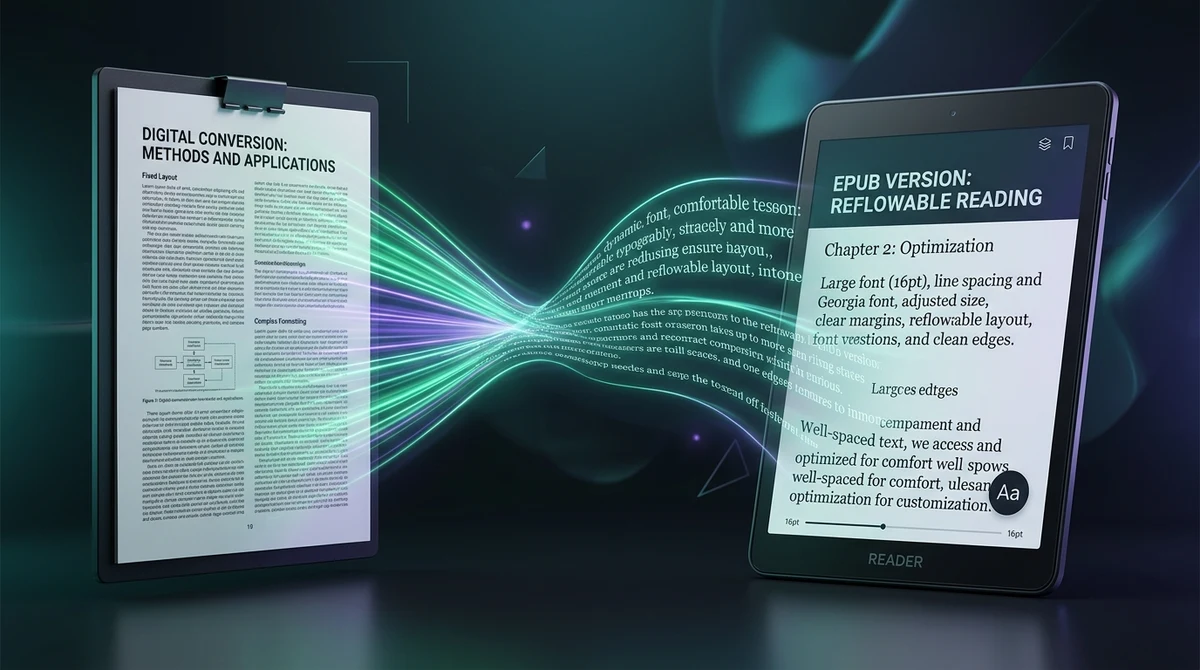
To convert a PDF to EPUB online for free, you extract the raw text and image streams from fixed-layout PDF pages and reconstruct them into reflowable XHTML chapters compliant with the EPUB 3 digital publishing standard. Using the AZ2PDF PDF to EPUB converter, readers can eliminate horizontal scrolling and pinch-to-zoom fatigue on mobile devices and e-readers in seconds with zero software installation, 100 percent free access, and complete memory privacy.
- Eliminate pinch-to-zoom fatigue: Reconstructs rigid A4 and Letter PDF pages into fluid, reflowable text that automatically wraps to fit any phone, tablet, or e-reader screen.
- Customize font sizes and themes: Once converted to EPUB, readers can increase font size, change typefaces (like Bookerly or OpenDyslexic), adjust line spacing, and enable dark mode.
- Intelligent header and footer stripping: The engine automatically filters out repetitive page numbers and running headers, preventing broken sentences in your e-book stream.
- 100 percent free with instant in-memory processing: AZ2PDF converts your files directly in volatile server RAM with zero fees, no account requirements, no watermarks, and automatic data purging within 5 minutes.
The pinch-to-zoom nightmare: Why reading PDFs on e-readers is exhausting
If you have ever attempted to read a full-length PDF document on an Amazon Kindle, Kobo, or smartphone screen, you know exactly how painful the experience can be. Within five minutes, your fingers ache from pinching and panning, and your eyes strain trying to make out tiny words.
This frustration occurs because the Portable Document Format (PDF) was never created for small handheld screens. Developed under the international ISO 32000 standard, PDF acts like a digital sheet of physical paper. Every heading, paragraph, and table is anchored to absolute X/Y coordinates on a fixed canvas (typically standard A4 or US Letter dimensions).
When you open an A4 document on a 6-inch e-reader or mobile screen, the reader application shrinks the entire page to fit the narrow display. The result is minuscule, unreadable typography. To read even a single sentence, you must:
- Pinch and zoom in to enlarge a corner of the page.
- Scroll horizontally to follow a line of text to its end.
- Scroll all the way back to the left margin to find the start of the next line.
- Repeat this mechanical panning for every single line across hundreds of pages.
Converting your document from fixed PDF into a reflowable EPUB e-book eliminates this struggle entirely, turning an exhausting chore into a pleasant reading experience.
Free your technical manuals and books from rigid page boxes using the AZ2PDF PDF to EPUB converter. It extracts continuous text flows, chapter breaks, and imagery into reflowable EPUB format for comfortable e-reader reading.
What is reflowable text and how does EPUB transform reading?
The Electronic Publication (EPUB) format, standardized by the W3C, is engineered around a fundamentally different philosophy: fluid, reflowable layout.
In an EPUB file, text is not locked into rigid boxes. Instead, paragraphs behave like modern responsive webpages. When you open an e-book, the text naturally wraps to fill the exact dimensions of whatever screen you are using. Turn your phone horizontally, and the lines widen smoothly. Rotate it vertically, and the paragraphs effortlessly wrap into narrower blocks without dropping a single word.
Converting your PDF to EPUB gives you complete control over your reading environment:
- Custom font sizes: You can increase typography size with a simple tap, making long reading sessions comfortable without ever needing to zoom or pan.
- Tailored typography: Switch between classic serifs (like Georgia or Palatino), modern sans-serifs, or specialized accessibility fonts like OpenDyslexic to suit your visual preferences.
- Adjustable margins and line spacing: Widen line spacing for effortless eye tracking across paragraphs.
- Day and night themes: Switch seamlessly between high-contrast dark mode, warm sepia paper, and bright white backgrounds to prevent digital eye strain in low-light settings.
To discover more tools for converting, compressing, and managing your document workflows, check out AZ2PDF free online PDF tools directly inside your web browser.
Under the hood: Overcoming hard line breaks and header clutter
Converting a PDF into a clean e-book is one of the most sophisticated engineering challenges in document transformation. A naive conversion program simply copies text line by line, resulting in a fractured mess filled with awkward line breaks and random numbers interrupting sentences.
- De-hyphenation and line merging: In physical PDF pages, words at the right margin are often split with hyphens (such as "trans- / formation"). The engine identifies these split tokens, strips the trailing hyphen, and merges broken lines back into natural, continuous paragraphs.
- Header and footer filtering: Printed pages feature repetitive running headers (like the book title and author name) and physical page numbers at the bottom. If copied blindly into an e-book, these numbers would appear randomly every two paragraphs. The engine detects repetitive header/footer zones and filters them out automatically.
- Chapter boundary detection: The parser analyzes large font sizes, bold weights, and spacing gaps to detect true chapter headings (such as "Chapter 1" or "Introduction"), splitting the text into clean, individual XHTML chapter files inside the EPUB container.
- Table of contents generation: The system compiles detected headings into a synchronized digital navigation tree (
nav.xhtmlandtoc.ncx), allowing you to jump between chapters with one tap on your e-reader.
How to convert PDF to EPUB online in 3 simple steps
You do not need to install complicated open-source utilities like Calibre, configure Python libraries, or pay for expensive conversion software. Converting your PDF to a polished e-book takes less than a minute using AZ2PDF, completely free of charge:
Step 1: Upload your PDF document
Navigate to the free PDF to EPUB tool on AZ2PDF. Drag and drop your PDF book, research report, or manual into the upload area, or click to choose the file from your computer, tablet, or smartphone.
Step 2: Let the reflow engine reconstruct your chapters
The system immediately processes your document in secure, temporary server memory. It reconstructs paragraphs, strips running page numbers, preserves embedded illustrations, and packages the content into an EPUB 3 compliant archive.
Step 3: Download your reflowable EPUB e-book
Click Download to save your newly created .epub file. The e-book is immediately ready to load onto your Kindle, Kobo, iPad, or Android device, with zero account sign-up and no watermarks added.
After proofreading and editing book text in your digital library, you can always re-export modified e-books back into printable PDF files to create a fixed-layout print edition.
Document layout considerations: Single-column books vs. multi-column journals
When preparing documents for e-book conversion, understanding how different PDF layouts behave will help you achieve the cleanest results:
- Single-column literature and non-fiction: Standard novels, biographies, business guides, and reports formatted in a single continuous column convert with near-flawless fidelity. Paragraphs merge cleanly, headers are recognized accurately, and the resulting reading flow is identical to an official bookstore e-book.
- Multi-column academic journals and newspapers: Scientific papers and magazine articles frequently use two or three narrow columns per page, often interspersed with figures, callout quotes, and footnotes. Because PDF stores text as independent coordinate streams rather than structured columns, multi-column documents require extra care to ensure reading order is preserved properly.
- Financial spreadsheets and complex tables: Wide tables with dozens of columns do not reflow naturally onto small smartphone screens. For data-dense reports, keeping the document in PDF format or converting to an Excel spreadsheet often provides a better viewing experience.
After proofreading and editing book text in your digital library, you can always re-export modified e-books back into printable PDF files to create a fixed-layout print edition.
Transferring your EPUB to Kindle, Kobo, and Apple Books
Once your EPUB file is downloaded, loading it onto your preferred reading device is simple and takes just a few clicks:
1. Amazon Kindle (Paperwhite, Oasis, Scribe, and Kindle App)
Amazon now natively supports EPUB through its official Send to Kindle service. You can drag and drop your EPUB file directly into the Send to Kindle web page (amazon.com/sendtokindle) or email it directly to your device Send-to-Kindle email address. Amazon automatically syncs the reflowable book across all your Kindle devices and apps, complete with WhisperSync page tracking and custom font support.
2. Apple Books (iPhone, iPad, and Mac)
Apple devices provide instant native support for EPUB. Simply double-click the downloaded EPUB file on a Mac, or tap the file in your iPhone Files app and choose Open in Books. The book syncs automatically across your iCloud devices, allowing you to highlight passages and take notes effortlessly.
3. Kobo and Android e-readers
Connect your Kobo e-reader to your computer via USB cable and drag the .epub file directly into the device storage folder. For Android phones and tablets, you can open the file using popular apps like Google Play Books, Moon+ Reader, or ReadEra.
Troubleshooting: Handling scanned PDFs and image-heavy pages
If you encounter any formatting irregularities during conversion, here are straightforward solutions to common scenarios:
1. Scanned paper documents with no selectable text
If your PDF was created by a physical paper photocopier or desktop scanner, the file contains flat photographs of pages rather than digital character strings. Because an e-book requires real text to reflow words, converting an image-only PDF directly will result in an empty file. To solve this, pass the document through the AZ2PDF OCR PDF tool first. Optical character recognition generates an invisible digital text layer, allowing the EPUB converter to extract words cleanly.
2. Converting back to PDF for printing
If you later need to print chapters of your newly created e-book for physical study, you can easily reverse the workflow reorganize chapters, or correct old typos before publishing, consider converting your document and then export clean text.
Privacy first: In-memory document processing
Whether you are converting draft novels, internal business procedures, personal study guides, or sensitive reading materials, data confidentiality is a non-negotiable requirement.
Unlike untrusted file conversion sites that store uploaded manuscripts on permanent disks, track user reading habits, or monetize files for advertising, AZ2PDF guarantees absolute privacy:
- Temporary in-memory conversion: All parsing, text reflowing, and EPUB packaging occur strictly inside volatile server RAM buffers. Your files are never written to permanent disk storage.
- Automated 5-minute cleanup daemon: A background daemon runs continuously across our systems, permanently deleting all temporary processing buffers within five minutes of completion.
- 100 percent free with no account requirements: You never need to supply an email address, create a password, or enter credit card details. You remain completely anonymous.
- Clean, watermark-free output: We never add promotional stamps, trial notices, or advertising banners to your e-books. Your converted document remains 100 percent your own.
Transform fixed-format documents into versatile e-reader publications with the AZ2PDF digital publishing toolkit, ensuring complete user privacy and rapid in-browser conversion.
Transform fixed-format documents into versatile e-reader publications with the AZ2PDF digital publishing toolkit, ensuring complete user privacy and rapid in-browser conversion.
❓ Frequently asked questions
Because PDF files are designed for fixed physical paper dimensions like A4 or US Letter. When scaled down to fit a 6-inch phone or e-reader screen, the text becomes miniature. Readers are forced to constantly zoom in, pan horizontally to finish each sentence, and pan back to find the next line, leading to severe visual fatigue. EPUB solves this by reflowing the words automatically to fit the screen width.
Related articles in this topic
Deep dive into related document organization and page manipulation workflows.
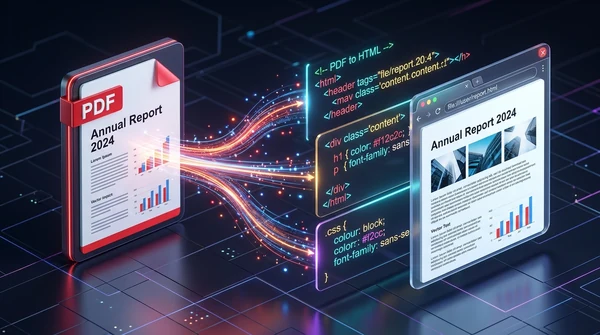
How to convert PDF to HTML online for free (clean code and layout preservation)
Learn how to convert PDF documents into clean, responsive HTML web pages online for free. Preserve fonts, text styling, and graphics without watermarks.
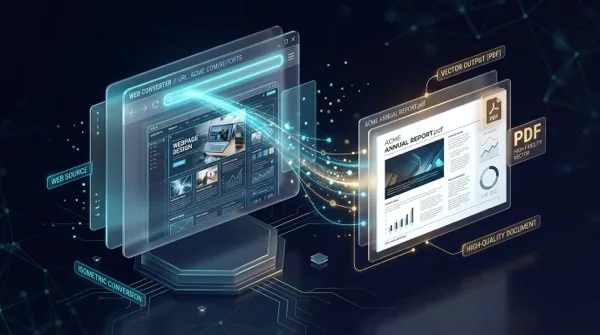
How to convert a website URL to PDF online (free and full-page)
Learn how to convert any webpage URL to a crisp, high-fidelity PDF online for free. Capture full layouts, backgrounds, and fonts without watermarks or software.
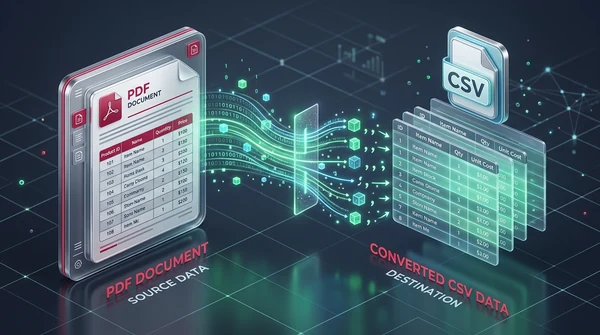
How to convert PDF to CSV online for free (clean table extraction)
Learn how to convert PDF tables into clean, structured CSV files online for free. Extract bank statements, invoices, and ledgers without broken columns or watermarks.
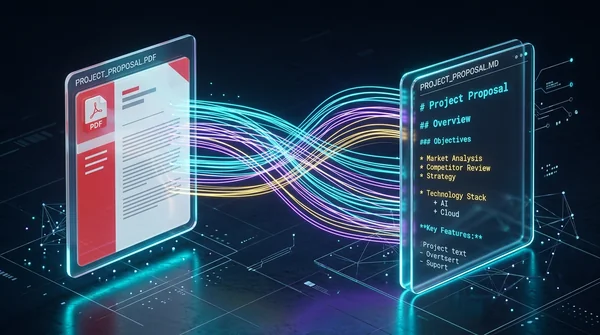
How to convert PDF to Markdown online for free (clean MD extraction)
Learn how to convert PDF documents into clean, structured Markdown (.md) files online for free. Extract headings, lists, and code blocks for LLMs, Obsidian, and web publishing.
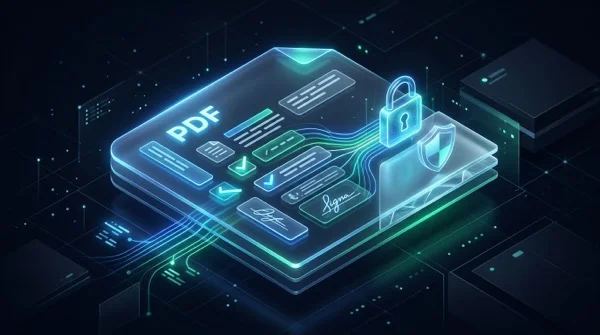
How to flatten a PDF form and annotations permanently
Learn how to flatten PDF form fields, checkmarks, signatures, and annotations into permanent print layers. Prevent tampering and ensure 100% print accuracy for free.
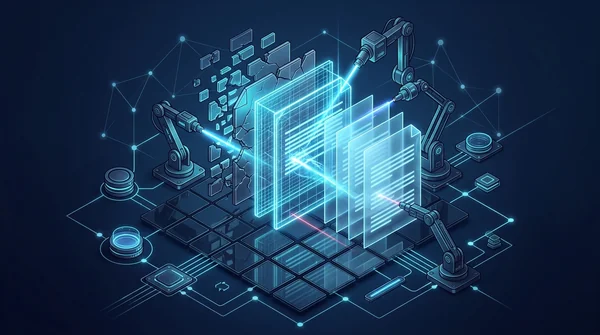
How to repair corrupted PDF files online (free and secure)
Learn how to fix damaged or unreadable PDF files online for free. Rebuild broken xref tables, recover truncated content streams, and restore document access securely.