How to convert a website URL to PDF online (free and full-page)
Quick summary
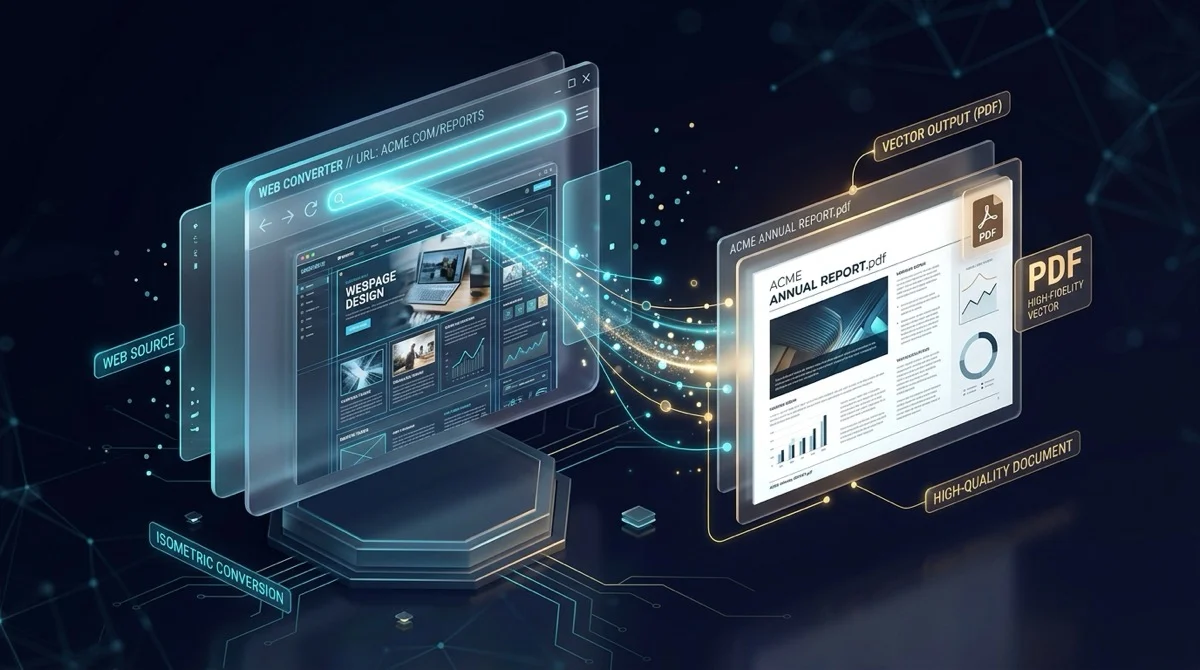
To convert a website URL to PDF online without quality loss, you render the live address through an automated headless Chromium browser configured with a 1440px landscape viewport and enforced background graphics. Using AZ2PDF URL to PDF, public web pages are converted directly in isolated volatile memory with zero server retention, producing full-fidelity PDF documents completely free without accounts or watermarks.
- Landscape viewport prevents cutoff: A wide 1440px desktop viewport captures wide tables, multi-column articles, and code blocks without horizontal truncation.
- Forced background graphics: Enforces full CSS background colors and images by default, preserving dark modes, chart accents, and branding elements.
- Strict SSRF defense: Rigorous network validation blocks internal loopback addresses and private subnets, keeping server environments secure.
- Automated 5-minute RAM purge: Temporary document files are processed in ephemeral memory and permanently deleted after 5 minutes with zero user tracking.
Why printing a webpage to PDF often goes wrong
Almost everyone has tried using their browser's built-in print command (Ctrl+P or Command+P) to save an article, receipt, or documentation page as a PDF, only to end up with a messy, broken document. Columns get cut in half, backgrounds disappear into stark white sheets, and annoying cookie banners repeat across every single printed page.
This frustration happens because web pages and physical paper follow fundamentally conflicting design philosophies. Modern websites are built for flexible, wide desktop monitors spanning 1440 pixels or more. Text flows dynamically, images scale with screen size, and navigation elements stick stubbornly to the top of your screen as you scroll. When your desktop browser tries to force that complex, interactive experience into a rigid, narrow vertical sheet of A4 or US Letter paper, several predictable problems occur:
- Right-hand column clipping: Narrow vertical page dimensions cannot accommodate multi-column web layouts, causing sidebars, tables, and code snippets to truncate off the right edge of the page.
- Stripped background graphics: Web browsers disable CSS background colors and images by default to save physical printer ink, leaving charts illegible and styled quote boxes invisible.
- Sticky navigation clutter: Floating navigation headers, live chat bubbles, and GDPR cookie consent overlays freeze onto the printed canvas, frequently blocking the actual sentences you want to read.
- Web font dropouts: Cloud-hosted typography from third-party networks often fails to load before the browser triggers its print spooler, causing text to collapse into jarring default system fonts.
Overcoming these layout disasters does not require complicated browser extensions or expensive desktop publishing suites. Today, modern headless browser technology allows you to generate complete, high-resolution document snapshots directly through your web browser.
Preserve dynamic articles, online receipts, and web documentation with the AZ2PDF URL to PDF tool. It renders live web pages into standardized PDF documents with accurate CSS typography, media queries, and high-fidelity vector graphics.
Preserve dynamic articles, online receipts, and web documentation with the AZ2PDF URL to PDF tool. It renders live web pages into standardized PDF documents with accurate CSS typography, media queries, and high-fidelity vector graphics.
How to convert any website URL to PDF in 3 simple steps
Transforming a live website link into a permanent, beautifully formatted document takes only a few seconds https://example.com/article). Paste the link into the URL input field on the tool page. Make sure the address begins with http:// or https://.
Step 2: Let the headless rendering engine build the page
Click the Convert button. Behind the scenes, an isolated headless Chromium instance launches in volatile memory, loads the page at full desktop resolution, lets all typography and visual assets settle, and prints the canvas to an uncompressed PDF document.
Step 3: Download your complete landscape PDF document
Once rendering finishes, click the Download button to save your document. The output file preserves every original layout element, background graphic, and font cleanly, with zero watermarks and no required user registration.
Behind the scenes: How AZ2PDF captures full-fidelity web pages
Converting a dynamic web link into an unchangeable document requires far more sophistication than taking a basic screenshot. When you use AZ2PDF free online PDF tools, your request passes through an optimized document processing pipeline engineered specifically for high visual fidelity:
1. Wide 1440px desktop viewport
Rather than squeezing content into a tiny mobile frame, our rendering engine initializes a dedicated 1440x900 pixel desktop viewport. It renders the page in landscape orientation on standardized A4 paper. This wide canvas provides ample room for expansive data tables, dual-column editorial layouts, and high-density technical diagrams without awkward horizontal clipping.
2. Enforced background graphics
Physical printers avoid ink waste by default, but digital documents have no such restriction. Our pipeline explicitly enforces full background graphics rendering. Dark mode color schemes, tinted table rows, brand banners, and subtle CSS gradient accents remain fully visible exactly as their designers intended.
3. Intelligent network idle delays
Modern web pages load asynchronously. Essential components like custom web fonts, SVG iconography, and lazy-loaded photography frequently arrive seconds after the primary HTML markup finishes parsing. Our automated engine waits for initial DOM readiness and provides an intentional 1.5-second buffer window, allowing deferred assets to paint completely before generating the document stream.
4. Automated document title naming
Instead of handing you a generic file titled output.pdf or download.pdf, the engine inspects the genuine HTML title tag of the target website. It cleans out illegal filename characters and automatically titles your download (for example, AZ2PDF - Understanding Modern Cloud Architecture.pdf), keeping your local downloads folder organized effortlessly.
Critical privacy and security: Why URL conversion requires strict safeguards
Whenever a web service fetches a URL on your behalf, data security becomes an essential engineering priority. Unregulated web conversion engines are vulnerable to severe exploits, most notably Server-Side Request Forgery (SSRF).
Defending against internal network exploitation
In an SSRF attack, malicious actors attempt to trick a remote server into requesting internal resources (such as 127.0.0.1, internal gateway routers, or cloud provider metadata endpoints like 169.254.169.254). The AZ2PDF engine incorporates rigorous hostname validation before executing any network request. All loopback addresses, local area subnets (10.0.0.0/8, 172.16.0.0/12, 192.168.0.0/16), and cloud metadata ranges are strictly blocked at the socket level.
Volatile memory and automated 5-minute cleanup
When you convert a web link, your generated document is stored inside volatile, short-lived storage. An automated background daemon executes continuously across our infrastructure, permanently destroying all temporary files after 5 minutes. We do not retain browsing logs, we do not inspect your converted materials, and we never share generated files with advertising aggregators.
If you have raw markup or template code stored locally on your machine, you can also convert raw HTML code snippets directly to PDF to produce cleanly formatted reports without hosting a live URL.
If you have raw markup or template code stored locally on your machine, you can also convert raw HTML code snippets directly to PDF to produce cleanly formatted reports without hosting a live URL.
Realistic boundaries: What can and cannot be converted
To avoid frustration, it helps to understand what headless browser converters can achieve and where technical boundaries exist across the public internet:
What converts perfectly:
- Public editorial content: Online news articles, technical blogs, Wikipedia entries, and public knowledge bases render with pristine clarity.
- Public documentation and guides: Open software manuals, API references, and legal terms of service pages translate into clean, searchable reference manuals.
- Public receipts and order summaries: Confirmation pages with shareable, public order tokens can be captured for tax and accounting records.
What cannot be converted:
- Password-protected dashboards: The conversion engine runs in an isolated browser session without your personal login cookies. It cannot see your private Gmail inbox, personal banking balance, or company intranet portal. Pasting those links will simply render the website's public login prompt.
- Aggressive anti-bot barriers: Websites that deploy strict Cloudflare Turnstile, interstitial CAPTCHA challenges, or aggressive scraper blocking will block headless browsers, resulting in a challenge screen capture instead of the underlying article.
- Local intranet files: Addresses pointing to file:// or local home servers cannot be reached across the public web.
Practical use cases for saving web pages as PDF
Preserving live web pages as self-contained documents solves critical everyday challenges across personal, academic, and business workflows:
1. Preserving legal and regulatory evidence
Webpages change constantly. Companies update terms of service, adjust pricing sheets, or delete public statements without warning. Capturing a timestamped, visually authentic document locks in a verifiable snapshot for legal proceedings, contract reviews, and regulatory compliance.
2. Archiving business receipts and travel bookings
Hotel reservations, flight itineraries, and digital checkout confirmations often exist only as temporary web pages that expire after a few weeks. Converting these pages immediately provides permanent records for corporate expense reporting and personal tax filings.
3. Offline reading and academic research
Long-form essays, historical archives, and programming tutorials are much easier to read without the distraction of blinking web advertisements. A clean PDF file can be annotated, highlighted, and read comfortably during flights or on e-ink reading devices.
Archive web resources and online articles effortlessly with the AZ2PDF online web and PDF toolbox, ensuring high-speed rendering with absolute respect for user confidentiality.
Archive web resources and online articles effortlessly with the AZ2PDF online web and PDF toolbox, ensuring high-speed rendering with absolute respect for user confidentiality.
❓ Frequently asked questions
Yes, AZ2PDF URL to PDF is 100% free with unlimited usage, zero watermarks, no trial restrictions, and no account registration required.
Related articles in this topic
Deep dive into related document organization and page manipulation workflows.
How to convert PDF to XML online for free (structured data with coordinates)
Learn how to convert PDF documents to structured XML online for free. Extract bounding box coordinates, font styles, and text nodes with zero software.
How to convert HTML files to PDF online without losing formatting
Learn how to convert HTML files and CSS styles into print-ready PDF documents online for free. Maintain exact fonts, page breaks, and layout without watermarks.
How to convert PDF to HTML online for free (clean code and layout preservation)
Learn how to convert PDF documents into clean, responsive HTML web pages online for free. Preserve fonts, text styling, and graphics without watermarks.
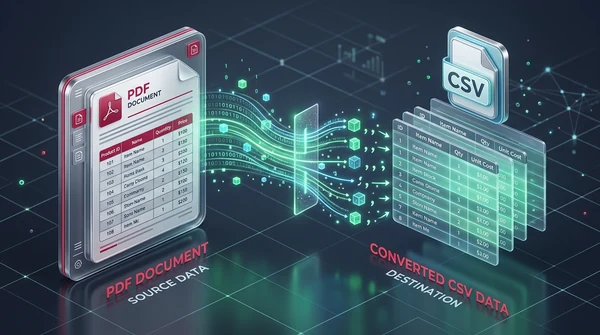
How to convert PDF to CSV online for free (clean table extraction)
Learn how to convert PDF tables into clean, structured CSV files online for free. Extract bank statements, invoices, and ledgers without broken columns or watermarks.
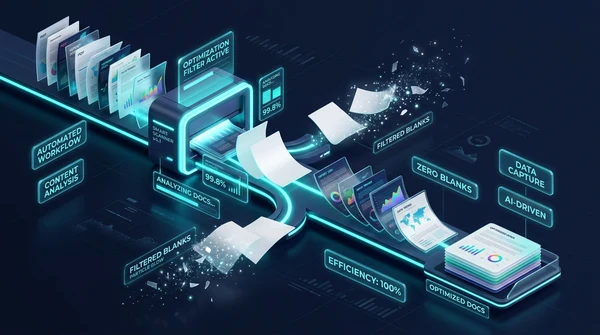
How to detect and remove blank pages from scanned PDFs online
Learn how to automatically detect and remove blank pages from scanned PDFs online for free. Eliminate empty duplex scan pages without quality loss or manual editing.
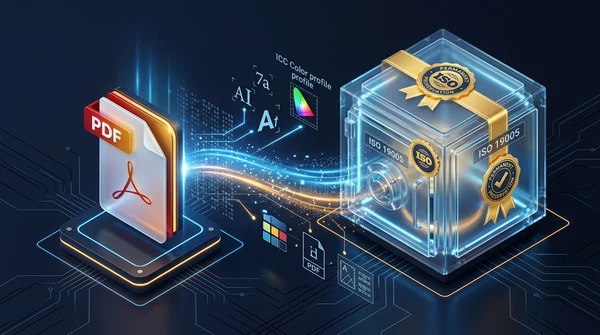
How to convert PDF to ISO-standard PDF/A for long-term archiving
Learn how to convert PDF documents to ISO 19005-compliant PDF/A format online for free. Embed fonts, standardize color spaces, and ensure permanent preservation.