How to convert EPUB to PDF online for free (clean pages and table of contents)
Quick summary
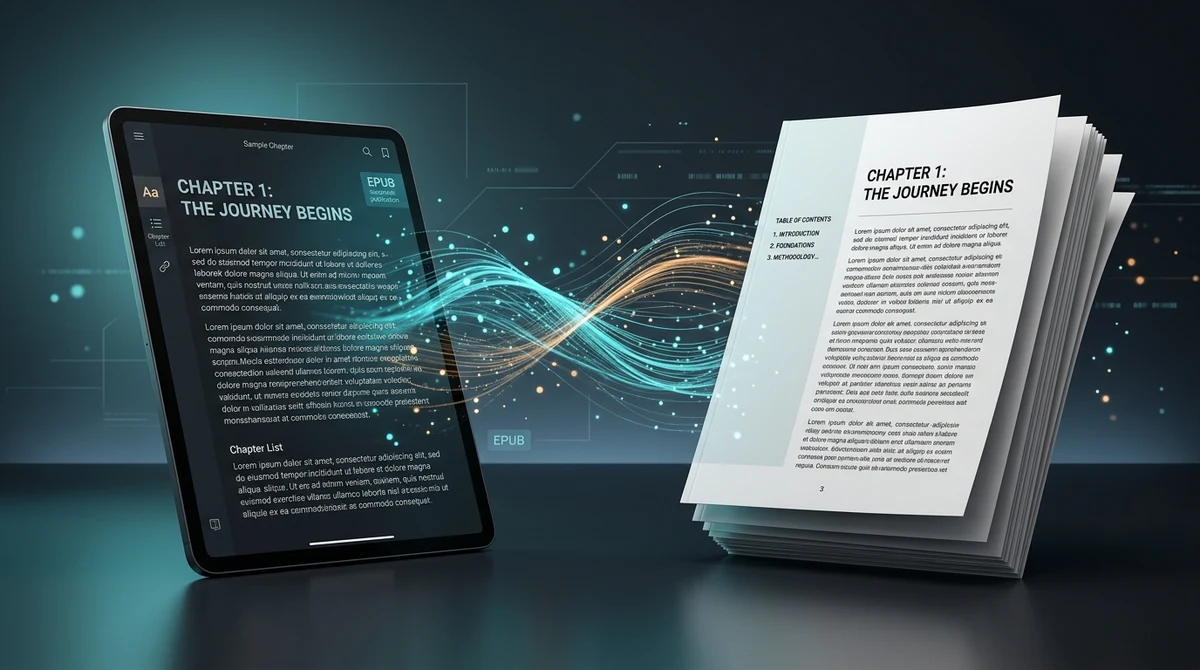
To convert an EPUB ebook to PDF online for free, you transform reflowable XHTML chapters and digital styles into fixed-layout printable pages compliant with the ISO 32000 standard. Using the AZ2PDF EPUB to PDF converter, readers, students, and educators can generate neatly paginated PDF files with interactive bookmarks and clean typography in seconds with zero software installation, 100 percent free access, and complete in-memory privacy.
- Reflowable to fixed layout: Converts flexible EPUB text blocks into standardized, printable physical pages (A4 or Letter) with consistent page numbers and balanced margins.
- Preserve navigation and bookmarks: Automatically transforms digital e-book navigation files (nav.xhtml and toc.ncx) into clickable PDF table of contents and hierarchical bookmarks.
- Ready for printing and stylus annotation: Ideal for physical printing, academic citation referencing, and digital stylus markup on tablets without e-reader application restrictions.
- 100 percent free with in-memory privacy: Converts your e-books directly in volatile server RAM with zero fees, no account requirements, no watermarks, and automatic data purging within 5 minutes.
Reflowable vs. fixed layout: Why e-books need PDF conversion
The Electronic Publication (EPUB) format is the global standard for electronic books. Designed by the International Digital Publishing Forum (now part of the W3C), EPUB is engineered around a single defining principle: reflowable text. When you open an e-book on an e-reader or smartphone, words flow smoothly across the screen like water in a glass, adapting automatically to your font size choices and screen orientation.
While reflowable text is fantastic for casual bedtime reading on a compact screen, it creates serious obstacles when you step into academic, corporate, or classroom environments:
- Inability to print physically: Standard office printers and commercial copy shops do not recognize EPUB files. Trying to send an e-book directly to a printer is impossible because the document lacks fixed page boundaries.
- No permanent page numbers for academic citations: If a professor or research paper asks you to cite a specific quote on page 142, an EPUB file cannot help you. In an e-book, page numbers change dynamically every time you change the font size or rotate your tablet.
- Restricted software compatibility: Many corporate workstations, laboratory computers, and public library terminals block employees and students from installing third-party e-reader software (like Apple Books, Calibre, or Adobe Digital Editions). In contrast, standard PDF files open instantly in every modern web browser without installing any app.
- Clunky annotation and handwriting support: Writing marginal notes or highlighting complex technical formulas with a stylus (like an Apple Pencil or Surface Pen) is significantly smoother on fixed PDF pages than inside restrictive e-reader interfaces.
Converting your EPUB e-book into a standardized Portable Document Format (PDF) file locks the text into permanent, beautiful pages compliant with ISO 32000, giving you the best of both worlds: elegant typography and universal compatibility.
Convert reflowable digital books into standard printable pages with the AZ2PDF EPUB to PDF converter. It formats CSS styles, chapters, and embedded images into fixed-layout PDF pages suitable for physical printing.
Under the hood: What makes up an EPUB file?
Many readers assume an EPUB file is a specialized binary file like an executable program or proprietary database. In reality, an EPUB document is simply a compressed ZIP archive containing web technologies:
- MIME type indicator: An uncompressed text file declaring the package format (
application/epub+zip). - Package metadata (content.opf): An XML document that lists the book title, author, publication date, language, ISBN, and the linear reading order (spine) of all chapters.
- XHTML chapter files: Each chapter is stored as an individual HTML or XHTML webpage containing structured paragraphs, headings, blockquotes, and tables.
- CSS stylesheets: Cascading Style Sheets that control font choices, line spacing, margins, and drop caps.
- Embedded media: High-resolution book cover artwork, chapter illustrations, diagrams, and custom fonts stored in standard image folders.
- Navigation control (nav.xhtml or toc.ncx): A hierarchical table of contents that allows e-readers to jump directly between chapters.
To view our complete suite of document transformation and file management utilities, visit AZ2PDF free online PDF tools right in your web browser.
How the conversion engine transforms e-books into printable pages
Transforming reflowable HTML into physical PDF pages is an intricate engineering challenge known as pagination. A low-quality converter simply dumps text onto arbitrary page cuts, frequently splitting sentences across pages or leaving lonely single lines (widows and orphans) at the top and bottom of sheets.
- Package extraction and spine analysis: The converter reads the
content.opfmanifest to determine the precise reading order of chapters, introductory prefaces, and appendices. - CSS and typography normalization: Digital e-book styling is adapted for physical paper dimensions (standard A4 or US Letter). Font sizes, line heights, and margins are proportionally balanced to ensure maximum legibility.
- Intelligent page breaking: Each major chapter is automatically configured with a clean page break (
page-break-before: always), preventing new chapters from awkwardly starting at the bottom of an existing page. - Cover art preservation: The official cover illustration is isolated and formatted as a full-page front cover with proper aspect ratio scaling.
- Header, footer, and page numbering: Standardized running headers and physical page numbers are dynamically inserted throughout the body of the book.
How to convert EPUB to PDF online in 3 simple steps
Converting e-books into polished PDF files used to require installing heavy desktop software suites like Calibre or configuring command-line compilation scripts. With AZ2PDF, the process takes less than a minute directly in your browser, completely free of charge:
Step 1: Upload your EPUB or MOBI e-book
Open the free EPUB to PDF tool on AZ2PDF. Drag and drop your .epub or .mobi file into the upload box, or click to select the file from your computer, tablet, or smartphone.
Step 2: Let the automated pagination engine render your pages
The system immediately processes the e-book archive in volatile server memory. It extracts the chapter spine, formats typography, compiles chapter breaks, and generates vector-sharp PDF pages with full bookmarks.
Step 3: Download your printable PDF document
Once conversion is finished, click Download to save your finalized PDF. The output file is ready for physical printing, digital reading, or sharing, with no account sign-ups and no promotional watermarks added.
Preserving interactive table of contents and PDF bookmarks
One of the biggest frustrations when converting long books is losing the ability to navigate between sections. In an e-book with thirty chapters, manually scrolling through hundreds of pages to find a specific topic is tedious.
A premier conversion pipeline preserves digital navigation through two synchronized features:
- Visual Table of Contents: The tool generates a dedicated, clean Table of Contents page right after the title page. Every chapter title is rendered as an active internal hyperlink. Clicking on "Chapter 4" in your PDF reader instantly jumps you to that page.
- Native PDF Bookmarks (Document Outline): The converter translates the e-book navigation tree (
toc.ncx/nav.xhtml) directly into native ISO 32000 PDF bookmarks. When you open the bookmark panel in Adobe Acrobat, Apple Preview, or Google Chrome, you get a clean collapsible sidebar outline of all chapters and sub-sections.
Should you later need to view the book on compact e-readers or smartphone screens, you can easily convert PDF back to reflowable EPUB for mobile screens to restore fluid, responsive typography.
Should you later need to view the book on compact e-readers or smartphone screens, you can easily convert PDF back to reflowable EPUB for mobile screens to restore fluid, responsive typography.
Practical scenarios: Printing, academic research, and stylus markup
Converting e-books to PDF unlocks distinct practical benefits across daily personal and professional workflows:
- Physical printing and binding: Whether you want to print a single critical chapter for a study group or print an entire public-domain classic for comfortable offline reading, PDF provides the exact print margins and page boundaries required by office copiers and professional print shops.
- Academic citations and thesis research: Academic reference styles (APA, MLA, Chicago, Harvard) require page numbers when citing direct quotes. Converting your e-textbooks into fixed-page PDFs establishes a permanent page reference system for footnotes and bibliographies.
- Handwritten stylus annotations on tablets: If you use an iPad, Samsung Galaxy Tab, or Remarkable paper tablet, PDF is the universal format for handwriting. You can underline key sentences with a yellow highlighter tool, write marginal commentary with a digital pen, and circle diagrams with complete precision.
- Universal sharing with colleagues and clients: You can never be sure whether a coworker has an e-reader installed on their Windows work laptop. Sending a PDF guarantees that anyone can open and review the material immediately without technical support.
DRM limitations and formatting tips for the best conversion
To achieve the best results when converting digital publications, keep these essential technical tips in mind:
1. Understanding DRM protection
Commercial e-books purchased from locked platforms like the Amazon Kindle Store or Apple Books often feature proprietary Digital Rights Management (DRM) encryption (such as Amazon KFX or Adobe ADEPT). If an e-book is encrypted with DRM, external converters cannot read the internal text streams. To convert a file, ensure your EPUB is DRM-free or exported from an open-access repository such as Project Gutenberg, Standard Ebooks, or university open textbooks.
2. Fixed-layout vs. reflowable e-books
While standard text-based novels and non-fiction books are reflowable, certain genres (like comic books, graphic novels, and children picture books) use fixed-layout EPUB formatting. When converting fixed-layout e-books, the converter maintains the exact aspect ratio of the illustrations, ensuring that full-page artwork remains crisp and uncropped.
3. Post-conversion optimization
Privacy first: Secure in-memory e-book processing
E-books, unpublished manuscripts, research drafts, and educational materials represent valuable intellectual property and personal reading choices. Ensuring that your uploaded files remain strictly private is our top priority.
Unlike predatory file conversion websites that archive uploaded manuscripts to build public databases or sell data to advertisers, AZ2PDF enforces strict security protocols:
- Volatile RAM processing: All e-book extraction, CSS formatting, and PDF rendering operations execute strictly within temporary server RAM buffers. Your files are never stored on permanent hard drives.
- Automated 5-minute purge daemon: An automated background daemon runs continuously across our systems, permanently deleting all temporary processing files within five minutes of completion.
- 100 percent free with no account sign-up: You never need to submit an email address, create a password, or provide payment details. Your conversion is completely anonymous.
- No promotional stamps: Your resulting PDF is completely clean and watermark-free, preserving the professional aesthetic of your book.
Bridge digital literature and standard printable formats seamlessly via the AZ2PDF eBook conversion suite, offering lightning-fast client-side conversions with zero storage retention.
Bridge digital literature and standard printable formats seamlessly via the AZ2PDF eBook conversion suite, offering lightning-fast client-side conversions with zero storage retention.
❓ Frequently asked questions
While EPUB is great for reading on small mobile screens because the text reflows automatically, it cannot be easily printed, has no permanent page numbers for academic citations, and cannot be opened on computers without specialized e-reader software. Converting to PDF creates fixed pages suitable for physical printing, stylus handwriting on tablets, and universal viewing in any web browser.
Related articles in this topic
Deep dive into related document organization and page manipulation workflows.
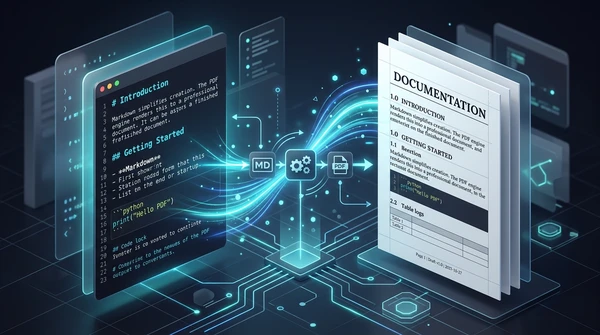
How to convert Markdown to PDF online for free (clean print typography)
Learn how to convert Markdown (.md) documents into clean, print-ready PDF files online for free. Keep headings, code blocks, lists, and full privacy in your browser.
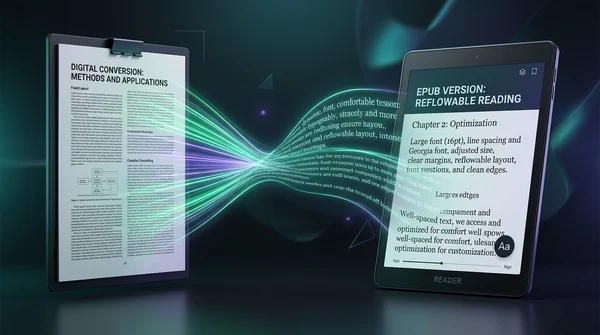
How to convert PDF to EPUB online for free (reflowable text for e-readers)
Learn how to convert PDF documents to reflowable EPUB ebooks online for free. Read comfortably on Kindle, Kobo, and Apple Books without pinch-to-zoom fatigue.
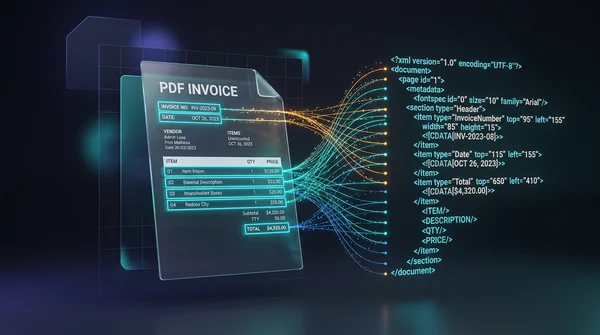
How to convert PDF to XML online for free (structured data with coordinates)
Learn how to convert PDF documents to structured XML online for free. Extract bounding box coordinates, font styles, and text nodes with zero software.
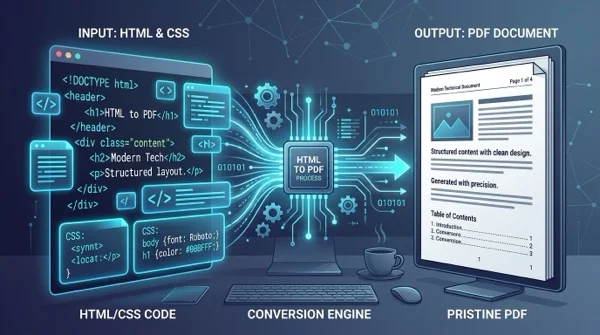
How to convert HTML files to PDF online without losing formatting
Learn how to convert HTML files and CSS styles into print-ready PDF documents online for free. Maintain exact fonts, page breaks, and layout without watermarks.
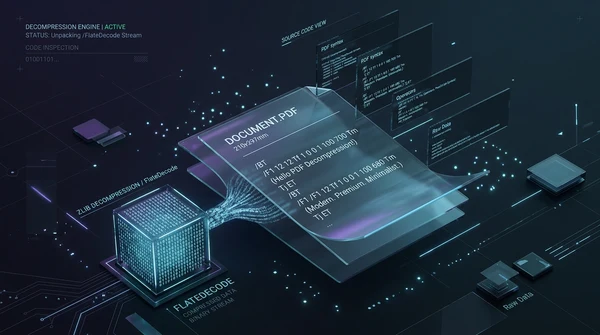
How to decompress PDF streams online for free (unpack raw code and FlateDecode)
Learn how to decompress PDF streams online for free to inspect raw PostScript operators, unpack FlateDecode filters, and debug PDF files with zero software.

How to compress a PDF without losing quality (free and fast)
Learn how to compress PDF file sizes by up to 85% for email and web uploads without blurry text or pixelated images. Fast, free, and 100% private in your browser.