How to add confidential and copyright watermarks to PDF online

Quick summary
Watermarking a PDF is the process of superimposing semi-transparent text strings or graphic elements onto document pages to establish ownership and status.
- Text and logo support: Overlay copyright phrases like 'CONFIDENTIAL' or stamp high-resolution transparent PNG logos.
- Custom angle and opacity: Fine-tune transparency, rotation angles, and placement to protect content without impeding legibility.
- Zero black box artifact: True soft mask processing ensures transparent PNG logos render cleanly with no rectangular borders.
- Free and confidential: Process sensitive business documents in ephemeral memory without saving permanent copies.
Protecting proprietary data with visual watermarks
Before circulating preliminary business proposals, sensitive audit disclosures, or creative design drafts, establishing document status is critical. An eye-catching "DRAFT", "CONFIDENTIAL", or brand logo watermark signals sensitivity to recipients and discourages unauthorized redistribution.
Protect sensitive drafts and enforce copyright ownership with the AZ2PDF Watermark PDF tool. It overlays customizable text and image watermarks across every page with adjustable opacity, angle, and positioning.
Technical mechanics: Alpha channel soft masking in ISO 32000
Basic watermarking utilities frequently fail when handling transparent PNG files, converting alpha channels into unsightly black rectangular blocks. Under the ISO 32000 specification, transparency requires dedicated soft masking (/SMask) and extended graphic state (/ExtGState) dictionaries.
AZ2PDF creates an independent 8-bit gray mask stream that seamlessly composites translucent graphics over background text without altering vector fonts. Rotated text uses an Affine coordinate transformation matrix, ensuring crisp rendering at 30%, 45%, or custom angles across any screen or high-resolution printout.
How to watermark PDF documents step-by-step
Applying watermarks to confidential documents is fast and secure:
- Select your PDF document and drop it into the watermarking utility.
- Choose between custom text (such as "CONFIDENTIAL" or "SAMPLE") or upload a corporate PNG logo.
- Adjust the rotation angle, transparency opacity (recommended 20% to 30%), and placement, then download your protected PDF instantly.
To prevent recipients from stripping or selecting your watermark graphic, remember to flatten applied watermarks into immutable background layers to permanently bake the mark into the document canvas.
Best practices for opacity and layout positioning
To strike an optimal balance between visual deterrence and readability, maintain an opacity level between 20% and 30%. Placing diagonal watermarks across the center of pages prevents simple cropping, while repeated pattern tiles provide robust protection against unauthorized screenshot clipping.
Protect your intellectual property and commercial contracts with the AZ2PDF document security platform, where local client-side stamping keeps proprietary assets safe from third-party exposure.
❓ Frequently asked questions
Visual watermarks deter copying. To make watermarks permanent, combine this tool with our Flatten PDF utility to bake the watermark layer into the underlying page graphics.
Related articles in this topic
Deep dive into related document organization and page manipulation workflows.
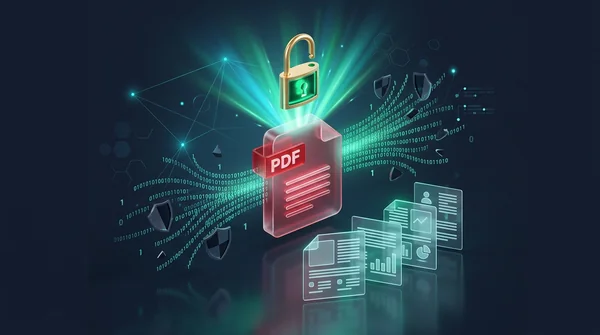
How to unlock a password protected PDF online (remove security permanently)
Learn how to remove passwords and permission restrictions from authorized PDF files online for free. Decrypt your documents securely with zero watermarks.

How to auto-redact sensitive data in a PDF for free (PII sanitization)
Learn how to automatically redact sensitive PII, credit card numbers, SSNs, and emails from PDF documents for free. Fast pattern detection with zero data leaks.
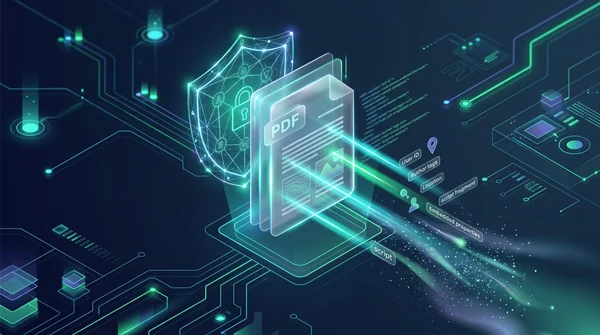
How to sanitize PDF files and wipe hidden author metadata (free and secure)
Learn how to sanitize PDF files by removing invisible author metadata, revision history, GPS tags, and dangerous JavaScript macros online. 100% free and private.

How to verify a PDF digital signature for free (no Acrobat required)
Learn how to verify digital signatures in PDF files for free. Check cryptographic integrity, signer identity, certificate trust chains, and tamper status without Adobe Acrobat.
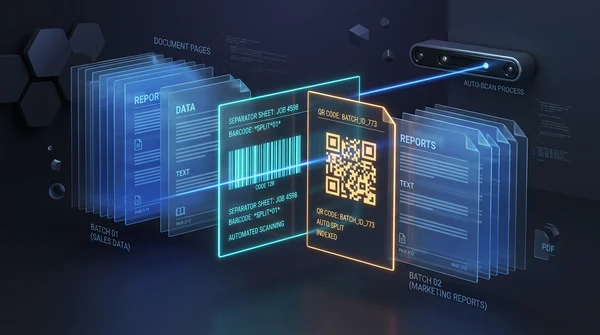
How to auto split PDF documents by barcode and QR code (free online guide)
Learn how to automatically split batch scanned PDF files using barcode and QR code divider sheets online for free. Organize high-volume scans with zero fees and full privacy.
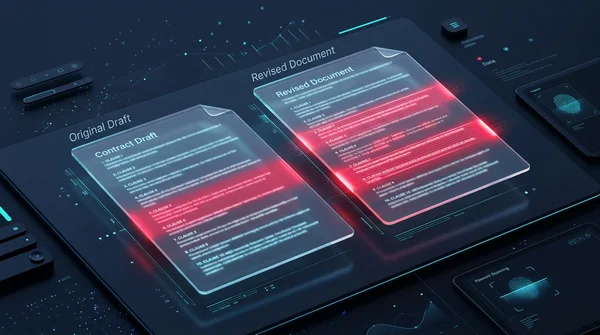
How to compare two PDF files for differences online (free and secure)
Learn how to compare two PDF documents online for free. Spot text changes, clause edits, and visual differences side by side without Adobe Acrobat.