How to split a PDF by chapters online for free (clean and private)
Quick summary
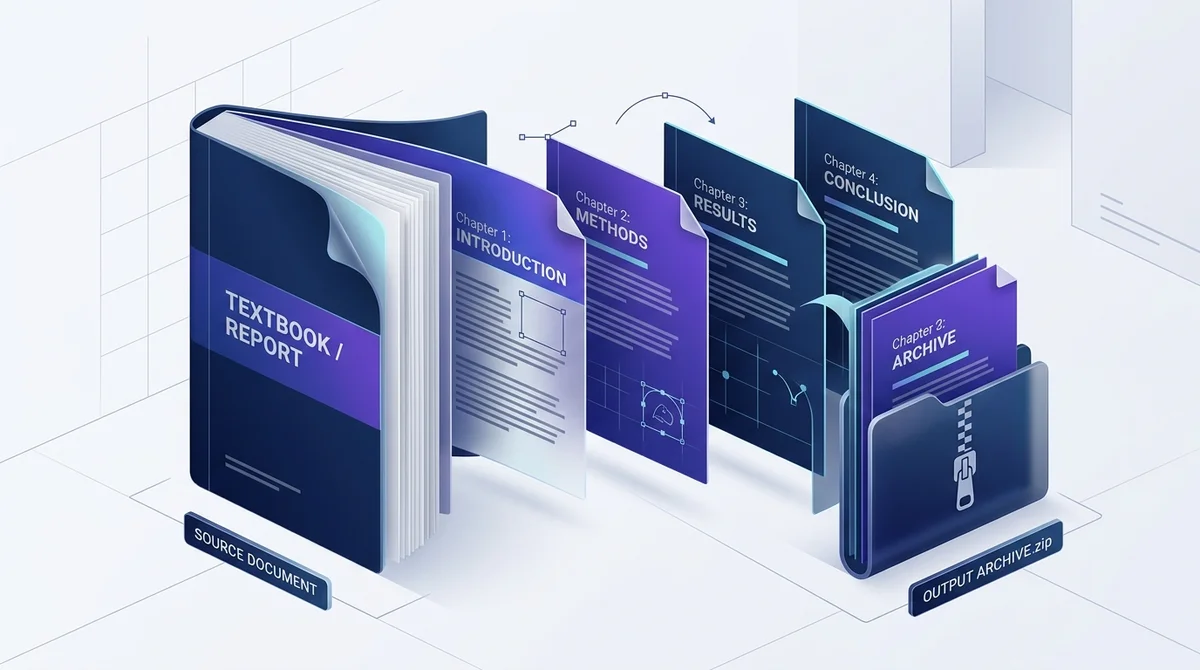
To split a PDF by chapters online for free, upload your document to AZ2PDF Split by Chapters, select your desired chapter page count or section divisions, and download the resulting chapter files packaged in a single ZIP archive. The entire operation runs directly inside your web browser with zero server uploads, keeping confidential files completely private.
- No paid software needed: Divide thick textbooks, technical manuals, and multi-part contracts into individual chapter PDF files without paying for an Adobe Acrobat Pro subscription.
- 100 percent free and private: Operates locally inside your web browser sandbox with zero server uploads, no watermarks, and no user registration.
- Lossless vector quality: Preserves original font subsets, vector diagrams, and high-resolution images without lossy re-compression or blurred text.
- Organized ZIP packaging: Automatically bundles all generated chapter documents into a single download with clean sequential filenames like Chapter 01.pdf.
Why multi-chapter PDF documents create workflow bottlenecks
Whether you are dealing with a 500-page academic textbook, a comprehensive corporate employee handbook, a multi-part municipal contract, or an exhaustive technical manual, large documents are a fact of modern professional life. However, distributing and reading these monolithic files often introduces major daily headaches.
The Portable Document Format (PDF) was engineered under the ISO 32000 standard to preserve visual fidelity across all hardware platforms. When a document reaches hundreds of pages, its strengths can turn into significant practical obstacles:
- Email attachment limits: Major corporate email providers and public platforms like Gmail and Outlook impose strict attachment caps, typically 20MB to 25MB. A single technical manual with embedded schematics or a digital textbook can easily exceed 80MB, bouncing back repeatedly when you attempt to send it to colleagues or students.
- Mobile device sluggishness: Reading a 400-page PDF on a smartphone or tablet frequently causes browser crashes, laggy page scrolling, and rapid battery drain as mobile PDF viewers attempt to buffer hundreds of pages simultaneously into volatile memory.
- Collaboration friction: In business teams and academic classrooms, different contributors or students rarely need to read the entire document at once. A legal reviewer may only require the indemnity section, an engineering contractor may only need the structural specifications chapter, and a student only needs week 4 reading assignments. Forcing everyone to download and navigate the entire document wastes time and creates confusion.
Splitting these massive files into distinct, self-contained chapters provides the ideal solution. Each recipient receives only the exact portion they need, opening files instantly without clutter or bandwidth waste.
Organize bulky technical manuals, e-books, and academic dissertations effortlessly with the AZ2PDF Split by Chapters tool. It reads document outline bookmark trees and slices files along chapter boundaries automatically.
The mechanics of chapter splitting: Page-level cloning vs. destructive printing
Many users try to extract chapters using virtual printing, but virtual printing is destructive and damages the underlying document structure.
To understand why intelligent chapter splitting is superior, it helps to compare the two methods under the hood:
1. The flaws of virtual printing (Print to PDF)
When you print specific page ranges to a virtual PDF printer, the operating system driver rasterizes vector content or re-encodes typography through a generic rendering pipeline. This destructive process strips away crucial document features:
- Embedded font subsets can become distorted or replaced with generic fallbacks.
- Clickable web links, email anchors, and internal cross-references are permanently erased.
- Interactive form fields and digital signatures are flattened or corrupted.
- You must calculate, write down, and manually enter page numbers for every single chapter one by one, turning a 10-chapter book into half an hour of repetitive labor.
2. The precision of lossless page-level cloning
In contrast, dedicated document segmentation tools, such as the engine behind AZ2PDF Split by Chapters, perform non-destructive object cloning. Under ISO 32000, pages exist as discrete leaf nodes within a balanced /Pages catalog tree. When dividing a document into chapters, the engine performs three surgical actions:
- Resource inheritance resolution: It traces all inherited font dictionaries, color spaces, and graphical state parameters from parent nodes, copying them directly into the newly generated chapter documents so no visual elements are lost.
- Zero raster re-compression: High-resolution diagrams, vector curves, and typography glyphs are preserved byte-for-byte in their original Flate-compressed streams without any downsampling or blurring.
- Automated archive packaging: Rather than forcing you to click save and download 15 separate times, the system compiles each chapter into sequentially numbered files (such as Chapter_01.pdf, Chapter_02.pdf) and packages them into a clean, unified ZIP archive in seconds.
Privacy first: Why in-browser processing keeps your documents confidential
The documents you need to split into chapters often represent valuable intellectual property or sensitive corporate records. These include unpublished book manuscripts, confidential employee benefit guidelines, proprietary software engineering specifications, financial prospectuses, and academic dissertations.
Most conventional online file converters rely on a legacy cloud upload model. You drag your document into the browser, the file is transmitted over the internet to remote servers, processed on external hardware, and kept in temporary server queues. Even when companies claim to delete files after an hour, sending confidential records across the web creates potential compliance and security liabilities.
That is why AZ2PDF free online PDF tools was built from the ground up on a 100 percent in-browser client-side architecture. When you load your document into the tool, your web browser executes the segmentation logic directly within your computer or mobile device memory using modern WebAssembly and JavaScript. Your document is never uploaded to any remote server, never leaves your private device, and remains completely confidential at all times.
How to split a PDF by chapters online in 3 simple steps
Dividing any large PDF into clean, independent chapter files takes less than thirty seconds using AZ2PDF. The service is completely free, requires no user account, adds no watermarks, and imposes no page limits. Follow these three simple steps:
Step 1: Open your document in the workspace
Navigate to the Split by Chapters tool in your web browser. Drag and drop your PDF document directly into the designated drop area, or click to select the file from your local storage. Because the file is processed locally, it renders immediately with zero upload waiting time.
Step 2: Choose your chapter division interval
Select your desired chapter page count based on your document structure (for example, 5, 10, or 20 pages per chapter). The system automatically calculates the number of resulting chapter files and displays the preview breakdown on your screen.
Step 3: Download your organized ZIP archive
Click the Split by Chapters button. The browser engine segments the pages, generates the individual chapter PDF files with sequential names, and bundles them into a convenient ZIP archive. Click Download to save the complete package to your device with a single click.
If your legacy document lacks structured bookmark outlines, you can seamlessly extract individual page ranges manually to divide content by exact page numbers.
Practical everyday scenarios where splitting by chapters saves hours
Segmenting documents into chapters transforms unwieldy files into agile, practical assets across multiple industries:
1. Academic teaching and textbook distribution
Educators often assign specific textbook chapters for weekly seminar readings. Instead of expecting students to purchase or download an entire 800-page book, professors can quickly extract the relevant chapter files and post them to school learning management systems like Canvas, Moodle, or Blackboard without hitting portal upload quotas.
2. Corporate employee handbooks and policy guides
Human resources departments frequently maintain comprehensive company handbooks that cover dozens of unrelated topics: health insurance, remote work policies, travel expense guidelines, and software security rules. By splitting the master manual into standalone chapters, HR can send targeted policy modules directly to relevant departments or new hires.
3. Technical field manuals and equipment guides
Engineers and maintenance technicians working on industrial sites often reference bulky equipment guides on tablets or mobile phones. Downloading a 300MB master schematic in the field over cellular networks can be frustrating. Having individual chapter files for wiring schematics, troubleshooting, or routine maintenance enables technicians to find critical answers in seconds.
4. Commercial bidding and multi-party legal tenders
Large public procurement tenders and construction proposals consist of independent technical, financial, and legal annexes. Dividing these dossiers into clean chapter packages allows project managers to distribute specific sections to specialized subcontractors, accountants, and legal teams simultaneously without sharing unrelated confidential terms.
Choosing the right tool: Split by chapters vs. page ranges vs. file size
Depending on your document structure and immediate goal, AZ2PDF offers specialized document segmentation tools. Choosing the right tool ensures the fastest workflow:
Use Split by Chapters when:
You have multi-chapter textbooks, manuals, or comprehensive reports and want to break them into clean, self-contained chapter files without losing formatting or bookmarks.
Use Split PDF when:
You need to extract specific custom page intervals, remove individual unnecessary pages, or cherry-pick specific sections manually.
Use Split PDF by Size when:
Your primary goal is overcoming strict email attachment limits or web portal thresholds (such as 10MB or 25MB limits). The AZ2PDF Split PDF by Size tool divides massive files into smaller chunks based strictly on megabyte thresholds rather than chapter structure.
Use Compress PDF when:
Your PDF is already a single document or chapter but exceeds upload quotas, and you want to reduce file size while preserving sharp vector text.
Quick fixes for common PDF chapter splitting problems
If you encounter unexpected results when dividing your documents, here are quick, proven solutions to the three most frequent issues:
1. Document fails to process due to password protection
If your source PDF is secured with an open or permissions password, document segmentation engines cannot inspect internal page dictionaries. You must first remove the security password before segmenting pages.
2. Chapters have uneven page lengths
When chapters vary in length (for instance, Chapter 1 is 8 pages while Chapter 2 is 14 pages), you can use the standard split feature to extract exact custom page ranges manually for an optimized final document.
3. The resulting chapter files have large file sizes
If an extracted 10-page chapter is unexpectedly large (exceeding 20MB), the original file likely contains uncompressed, 300 DPI full-color scanned graphics. Running the extracted chapter through the compression tool quickly resamples graphics to web-friendly resolution while keeping vector text razor-sharp.
Divide complex technical literature with structural precision using the AZ2PDF structured book and chapter tools, ensuring your intellectual property remains confidential on your device.
❓ Frequently asked questions
Yes. You can use AZ2PDF Split by Chapters directly in your web browser. It allows you to divide multi-page documents into individual chapter files completely free of charge, with no subscription fees, software downloads, or account registration.
Related articles in this topic
Deep dive into related document organization and page manipulation workflows.
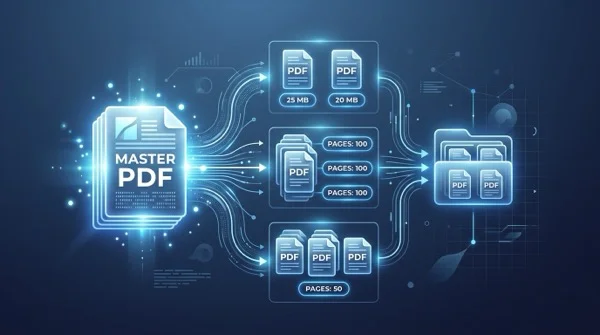
How to split a PDF by size or page count (free online)
Learn how to split large PDF files into smaller chunks by target size or page count online for free. Divide oversized documents for email and portals in seconds.
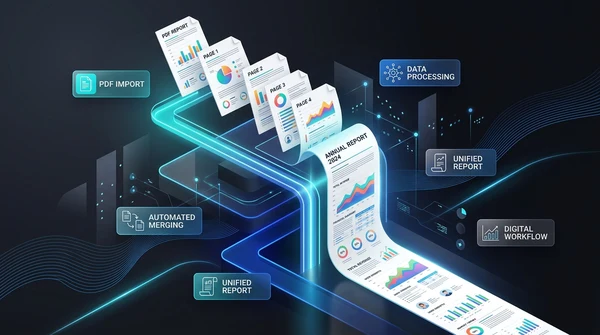
How to convert multi-page PDF to a single continuous page (free online tool)
Convert multi-page PDF documents into one continuous vertical scrolling page. Remove artificial page breaks, preserve vector text quality, and process files 100% free in your browser.
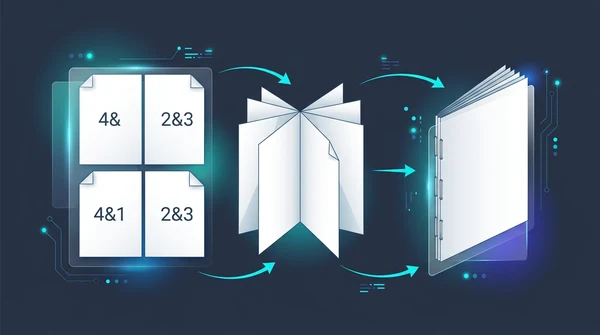
How to create a PDF booklet for printing (free double-sided imposition)
Learn how to turn any PDF into a foldable, double-sided booklet for printing. Reorder pages for saddle-stitch binding without paying for expensive software.

How to split PDF for poster printing (free online tile guide)
Learn how to split large PDF pages into printable 2x2 tiles for poster printing on regular A4 or Letter printers. 100 percent free without Adobe Acrobat.

How to edit a PDF online without Adobe Acrobat (free and private)
Learn how to edit PDF text, add signatures, annotate documents, and white out sensitive details online without paying for Adobe Acrobat. Fast, free, and 100% private.

How to merge PDF files into one document online (free and secure)
Learn how to combine multiple PDF files into one organized document online without Adobe Acrobat. Fast, free, and secure with zero quality loss.